 Piano from Scratch
Learn piano from your very first note.
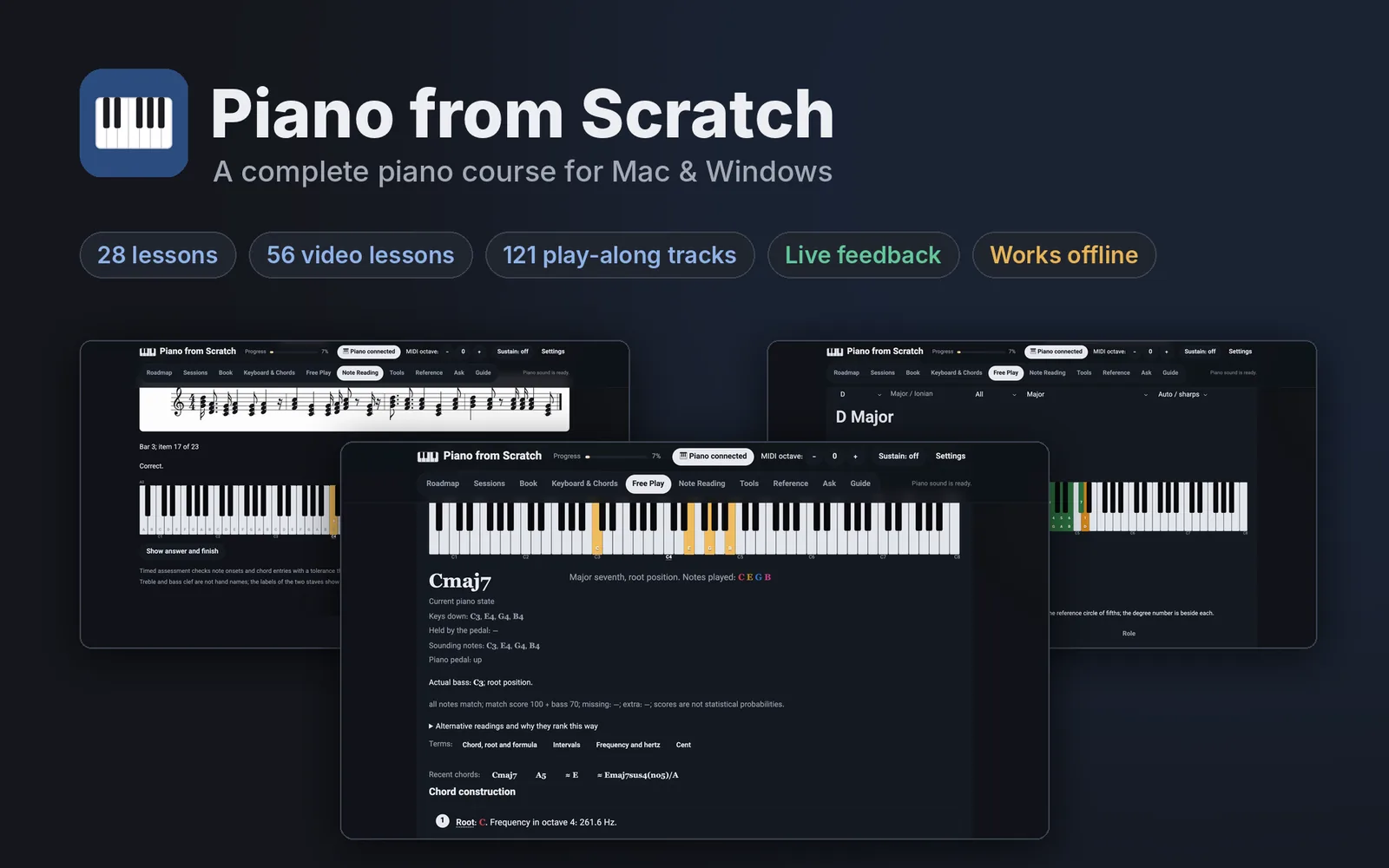
A complete piano course in one desktop app for Mac and Windows. Go step by step from finding the notes to chords, rhythm, reading music, blues, swing and bossa nova, with feedback on every note you play.
- 28 lessons
- 56 video lessons
- 121 play-along tracks
- Live feedback
- Works offline
- No subscription
Everything in one app
The course, the book and the practice tools sit side by side, so you can watch a lesson, read it, and play it straight away.
28 step-by-step lessons
Each lesson has an explanation, a video, keyboard practice and a pass test.
56 video lessons
Every lesson is on video, with subtitles.
The course book, built in
Read each lesson in the full course book, right next to the video.
121 play-along tracks
Play with a backing track at slow or medium speed.
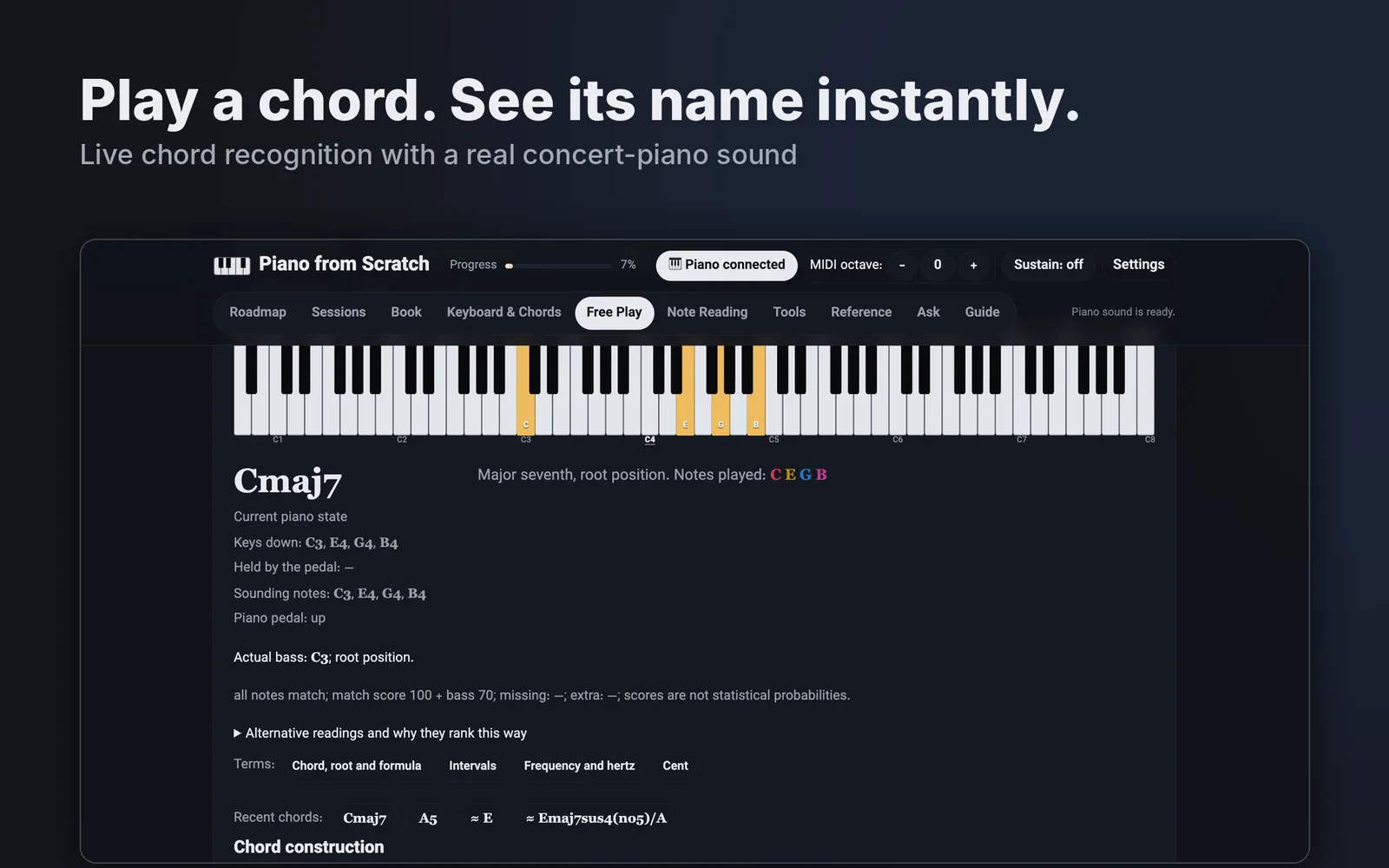
Live chord recognition
Play a chord and see its name, inversion and the chords that usually come next.
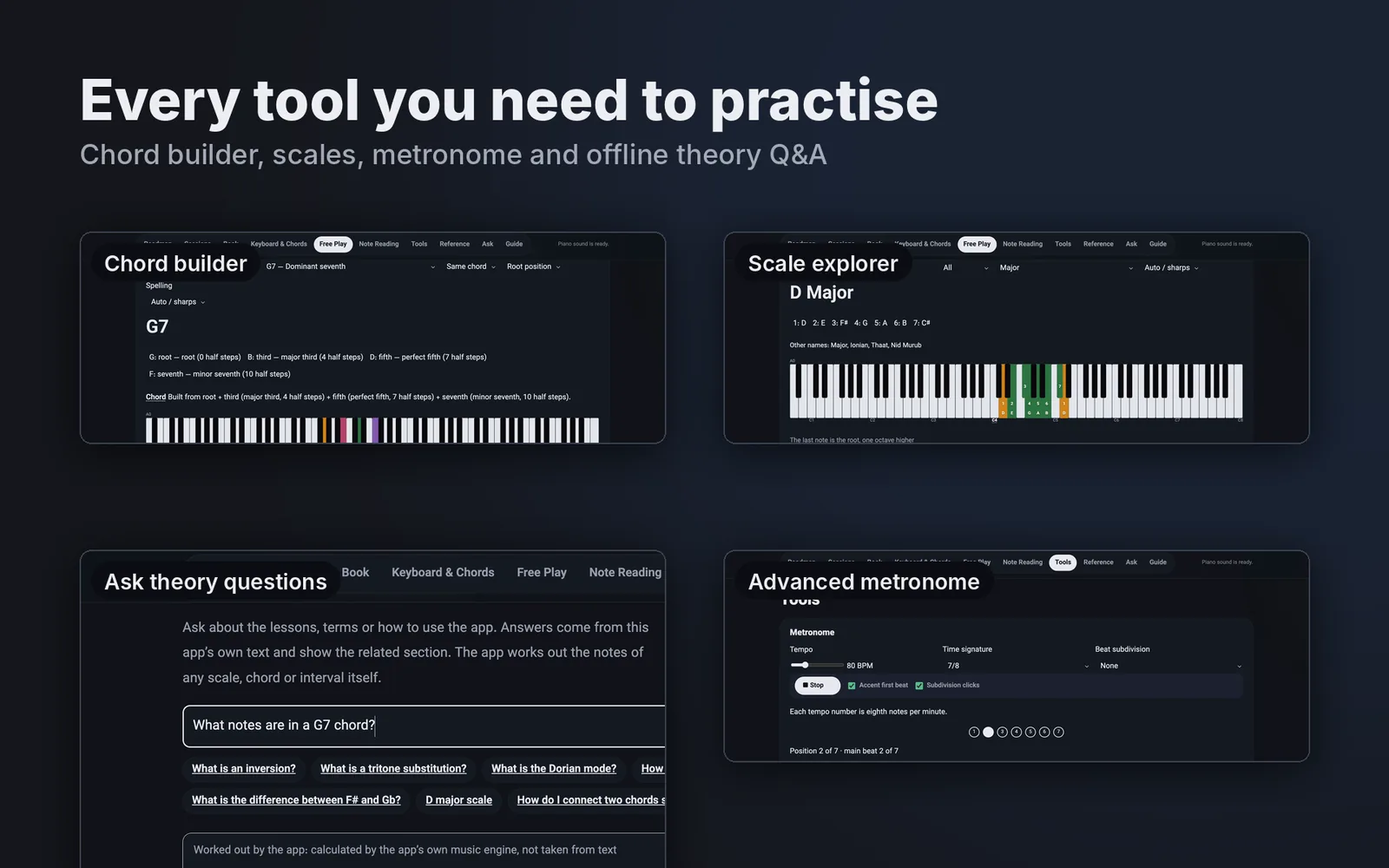
Chord builder and scales
Build any chord and hear it. Explore all 12 major and minor keys, plus modes.
Advanced metronome
Any meter, groupings like 2+2+3, subdivisions and tap tempo.
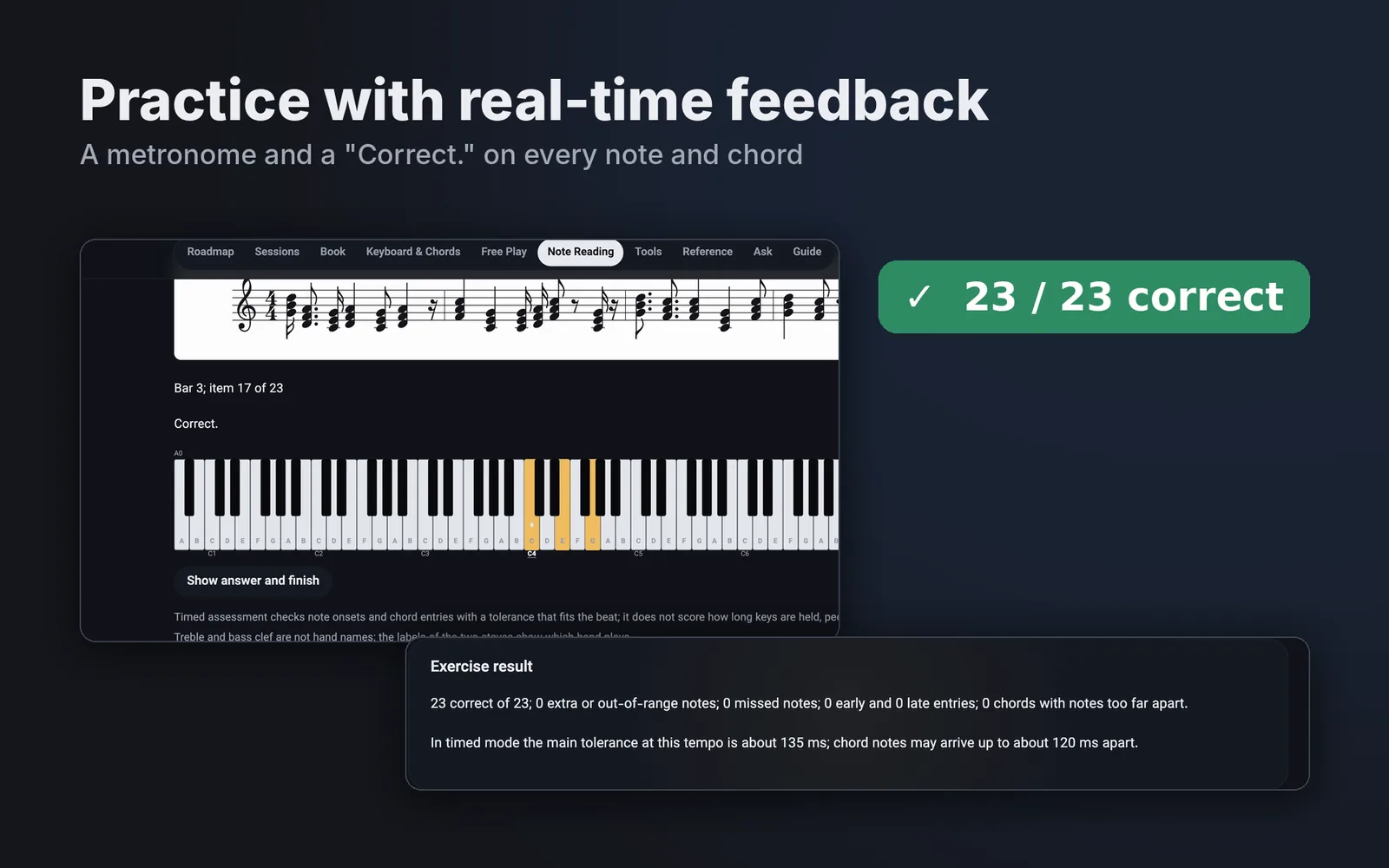
Real-time feedback
A note-reading trainer and a 12-level progressive practice that checks every note and chord.
Offline theory Q&A
Ask music-theory questions. The answers are worked out on your computer.
Real concert-piano sound
Recorded from a concert grand, with touch sensitivity.
English and Persian, light and dark
Switch the interface language and theme at any time.
No account needed
Your progress is saved on your own computer.
See it in action
Screenshots from the app, in English and dark mode.
Requirements
Check that your computer is supported before you buy.
Supported computers
- Windows: Windows 10 or 11 (64-bit) with TPM 2.0 enabled
- Mac: Apple silicon (M1 or later) with macOS 12 Monterey or later
- About 12 GB of free disk space
- Intel Macs and Windows PCs without TPM 2.0: coming soon.
Internet and keyboard
- Internet is needed only to activate. After that the course works offline.
- For feedback on what you play, use a USB MIDI keyboard or the app’s on-screen keyboard.
- The app does not listen to an acoustic piano through a microphone.
Licence
Simple terms, no subscription.
- One-time purchase. No subscription and no renewals.
- One licence = one computer. You get a licence key right after purchase.
- Changing computers? You can move your licence to a new computer once every 30 days.
- The app is not yet signed with an Apple or Microsoft developer certificate, so the first launch shows a security warning. The download includes a short guide that explains how to open it.
Full details are in the Terms.
Start today, from zero.
The full course, the book, 121 play-along tracks and every practice tool, for Mac or Windows.